Preview build — prices, checkout and legal details marked “To confirm” must be supplied before launch.

Module 2BuildFillable PDF

Implementation Workbook

Build the method on your own territory, one day at a time, with an output at the end of every day.

Format
Fillable PDF · A4 · 32 pages
Time
Day 0 (30 minutes) + Days 1–7, then Weeks 2–4
Edition
Version 3.1 · November 2026

$39USD · one-time · instant download

Get all three — $129

Tax calculated at checkout · Single-user licence · How delivery works

The problem it solves

From “that makes sense” to “I did it on my accounts.”

Reading a method is not the same as running it. Most reps stop between “that makes sense” and “I did it on my accounts”. The workbook closes that gap with a fixed daily structure and a concrete output each day.

Who it is designed for

Reps adopting the methodFill it in order and tick the Progress Tracker. The build spans about a week and a half of working days.
New hires and ramping SDRsPractice exercises on the fictional Corvane territory come with an answer key before you apply each step to your own accounts.
Managers running a rolloutThe Day 1 ICP session is designed to be done with a manager or AE (60–90 minutes).

What you receive

Exactly what is in the file

  • 32-page A4 fillable PDF (form fields, checkboxes and dropdown lists)
  • Day 0 setup and Days 1–7, each with Goal · Read · Practice · Build · Enter it · Check
  • Weeks 2–4: run, measure, change one thing
  • Practice exercises on the fictional Corvane territory, with an answer key
  • A Day 4 scorecard where Total, Value and Urgency add themselves up in Adobe Acrobat Reader
  • Next Best Action worksheets and a worksheet library of extra copies
  • Quick Reference, glossary, changelog and sign-off page

Contents

  1. D0SetupTools by category, daily time blocks, ready check (30 min)
  2. D1ICP v1 and triggersRequired, preferred, exclusions, triggers, buying-potential anchors
  3. D2Discovery filters and the first listPull 30–40 accounts, run the 3-minute gate
  4. D3Research briefs with the timer6–10 full briefs; facts vs hypotheses
  5. D4Score and decideFive scores, decisions with reason codes
  6. D5Prioritize and map buying rolesRanked list; committee maps
  7. D6T1 drafts and the sequence planFirst touches from triggers; T1–T6 dates
  8. D7Pipeline and the first weekly reviewClean pipeline; your baseline
  9. W2–4Run, measure, change one thingCalibration, then one change with a hypothesis

How it works

Main features

01

Six steps every day

Goal, the exact Manual pages to read, a short practice, the build on your territory, where to enter it in Excel, and a check you tick only when true.

02

Practice before you build

Each day has a short exercise on the fictional Corvane territory, with answers on the Answer key page.

03

Fillable and calculated

Type into the fields, tick checklists, pick decisions and reason codes from lists. The Day 4 scorecard totals itself in Adobe Acrobat Reader.

04

No second rule set

The workbook has no scoring model of its own. The gate, the five scores, the thresholds, tiers, sequence and stages are the Manual’s, unchanged.

05

Works alone, links when owned

Everything needed for the exercises is on its pages. Page references point to the Manual if you have it; “Enter it in Excel” points to the exact sheet if you have Module 3.

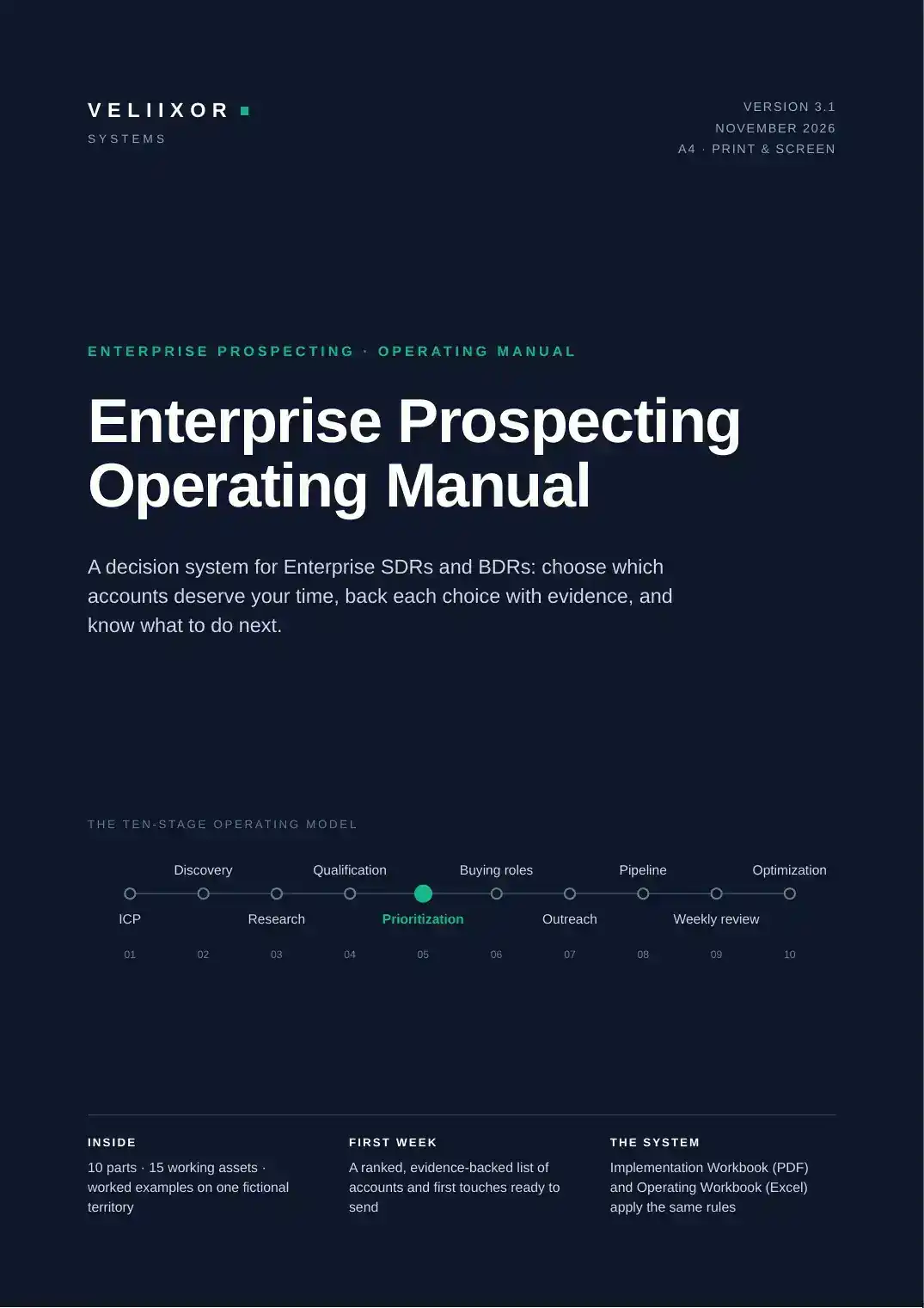
Product previews

Real pages, unedited

Pages rendered directly from the PDF you download. Select any preview to enlarge it.

How to use it

Getting started

  1. 1

    Download it and open it in a PDF app that supports forms — Adobe Acrobat Reader (free, desktop and mobile) is recommended; Apple Preview and Foxit also keep entries.

  2. 2

    Keep an untouched copy as your blank master. Save with Ctrl/Cmd + S after each session.

  3. 3

    Do Day 0, then one day at a time. Tick a stage in the Progress Tracker only when its check is true.

Pricing

Buy the Implementation Workbook, or the complete system

Module 2 · Fillable PDF

Implementation Workbook

$39USD · one-time

  • 32-page A4 fillable PDF (form fields, checkboxes and dropdown lists)
  • Day 0 setup and Days 1–7, each with Goal · Read · Practice · Build · Enter it · Check
  • Weeks 2–4: run, measure, change one thing
  • Practice exercises on the fictional Corvane territory, with an answer key
Product details

Prices in USD. Sales tax or VAT is calculated at checkout by Lemon Squeezy, the merchant of record. Single-user licence · Refund Policy

FAQ

Implementation Workbook questions

All questions
Which PDF app should I use?

One that supports forms. The workbook recommends Adobe Acrobat Reader (free); Apple Preview and Foxit also keep entries. Some web-browser viewers do not save form entries, so download the file first.

Do I need the Manual?

No. The workbook works on its own, and the Quick Reference and glossary at the back hold every rule. With the Manual you get the full explanation behind each rule.

How long does it take?

Day 0 takes about 30 minutes. Days are working days, so the build spans about a week and a half, followed by Weeks 2–4 of running and measuring.

Start with the Implementation Workbook.

Or get all three modules and run the full system from Day 0.

See the Complete System