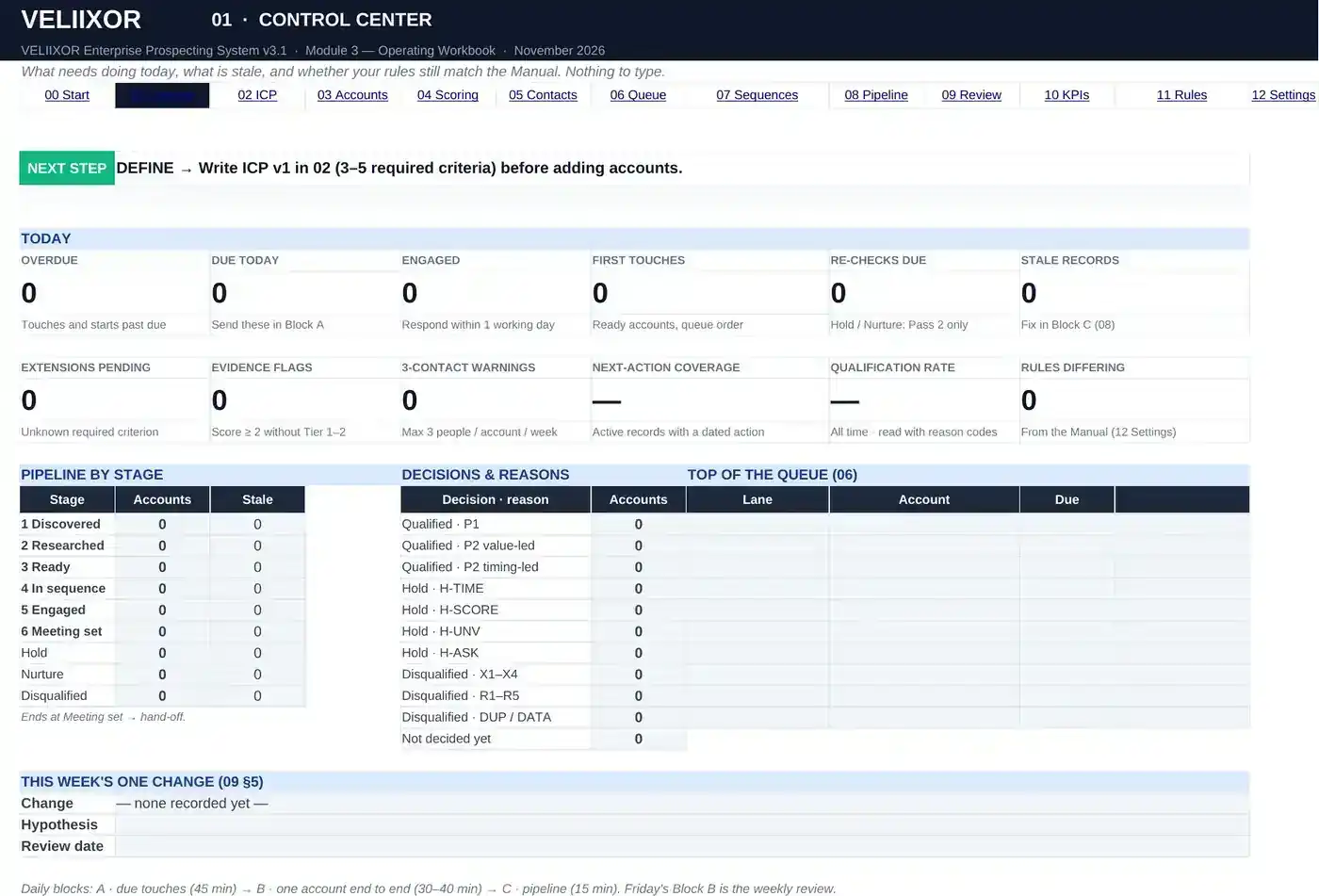
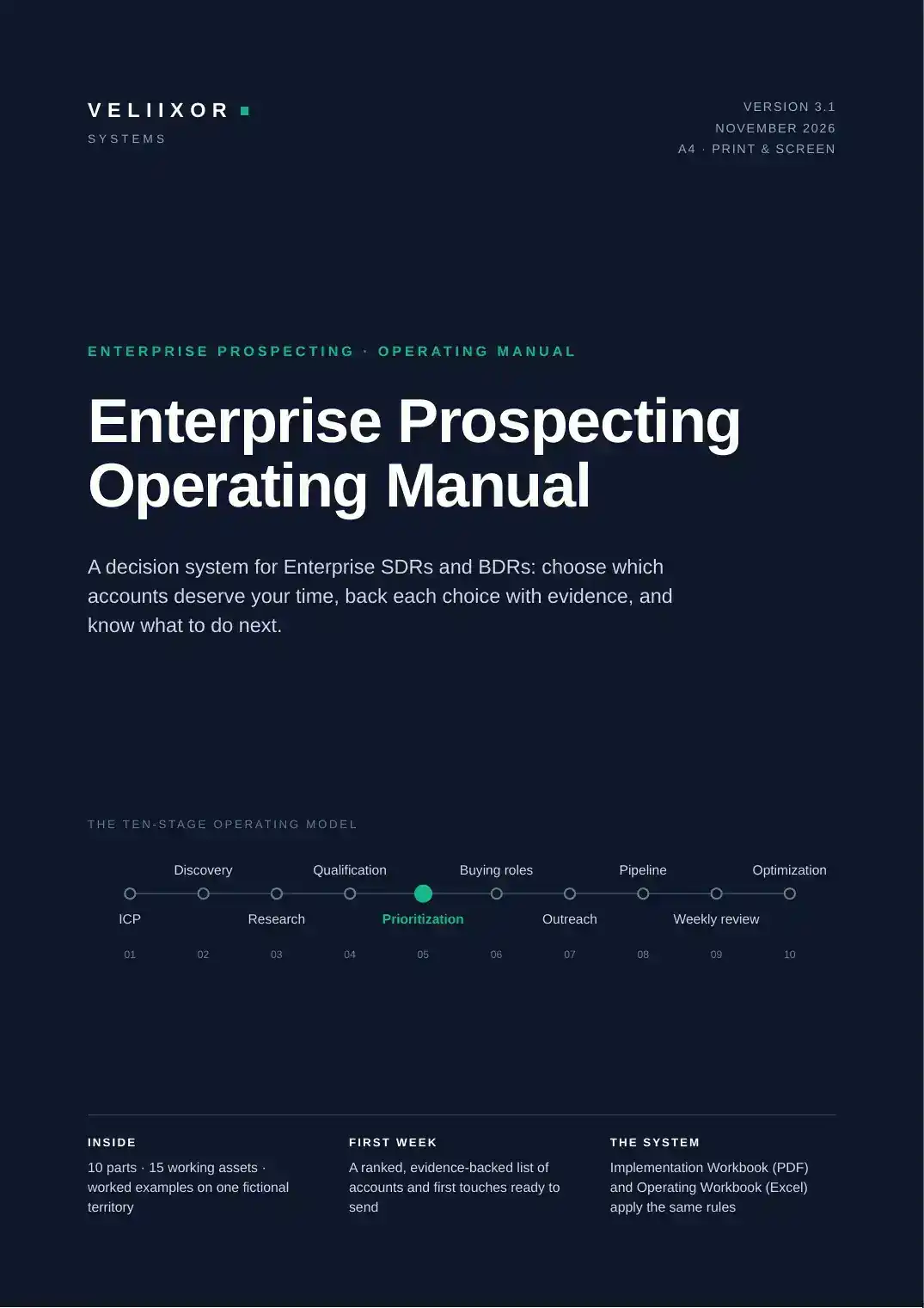
Operating Manual
The single source of truth: every rule, threshold and stop rule, written down once.
PDF · A4 · 47 pages · print & screen
DetailsThe Complete VELIIXOR System
Understand the rules, build them on your territory, and run them every day. The Manual, the Implementation Workbook and the Operating Workbook were written as one system: every output has a defined place to go next.
$129USD · one-time · all three modules
$38 less than the three modules bought separately ($167).
Tax calculated at checkout · Single-user licence · How delivery works
The customer journey
What each module contributes at each step — named down to the part, the day and the sheet.
Operating Manual
Learn every rule once — the gate, evidence tiers, the five scores, thresholds, tiers, sequence, stages and KPIs.
Parts 01–10 · about 2 hours
Implementation Workbook
Apply the rules to your own territory: ICP v1, a gated list, research briefs, decisions, a ranked list, first touches.
Day 0 + Days 1–7
Operating Workbook
Work the queue every day: due touches first, one account end to end, then pipeline hygiene.
06 Queue · 07 Sequences · daily blocks A–B–C
Operating Workbook
Every record carries a stage and a dated next action; stale records and overdue touches surface automatically.
01 Control Center · 08 Pipeline · 10 KPIs
All three
Every Friday: record, compare with your baseline, locate the bottleneck, inspect, change one thing — and test it for two weeks.
Manual Part 09 · Workbook Weeks 2–4 · 09 Weekly Review
Why one system
This is the cross-reference printed in the Manual (p.05). It is the reason the system is sold together: an asset learned in the Manual is built on a specific day and lives in a specific sheet.
| # | Asset | Manual · page (blank) | Implementation Workbook | Operating Workbook (Excel) |
|---|---|---|---|---|
| 01 | Enterprise ICP Builder | 12 · 41 | Day 1 | 02 ICP Builder |
| 02 | Account Research Brief | 18 · 42 | Day 3 | 03 Accounts (evidence) |
| 03 | Research Evidence Checklist | 17 · 42 | Days 2–3 | 03 Accounts (research card) |
| 04 | Account Qualification Scorecard | 19 · 43 | Day 4 | 03 Accounts → 04 Scoring |
| 05 | Account Prioritization Matrix | 21 · 43 | Day 5 | 04 Scoring → 06 Queue |
| 06 | Buying Committee Map | 24 · 44 | Day 5 | 05 Contacts |
| 07 | Trigger-to-Message Framework | 25 · 45 | Day 6 | 05 Contacts (angle) |
| 08 | Outreach Planning Worksheet | 28 · 45 | Day 6 | 07 Sequences |
| 09 | Prospecting Sequence Planner | 28 · 45 | Day 6 | 07 Sequences (T1–T6) |
| 10 | Pipeline Stage Reference | 29 · — | Day 7 | 08 Pipeline |
| 11 | Weekly Prospecting Review | 32 · 46 | Day 7, Weeks 2–4 | 09 Weekly Review |
| 12 | KPI Definition Sheet | 31 · 46 | Day 7, Week 4 | 10 KPIs |
| 13 | Master Implementation Checklist | 37 · — | Day 0, Week 4 | 00 Start Here |
| 14 | Decision Trees | 36 · — | Day 3, Weeks 2–4 | 11 Rules |
| 15 | Quick Reference Sheet | 40 · — | Reference | 11 Rules |
What’s included
The single source of truth: every rule, threshold and stop rule, written down once.
PDF · A4 · 47 pages · print & screen
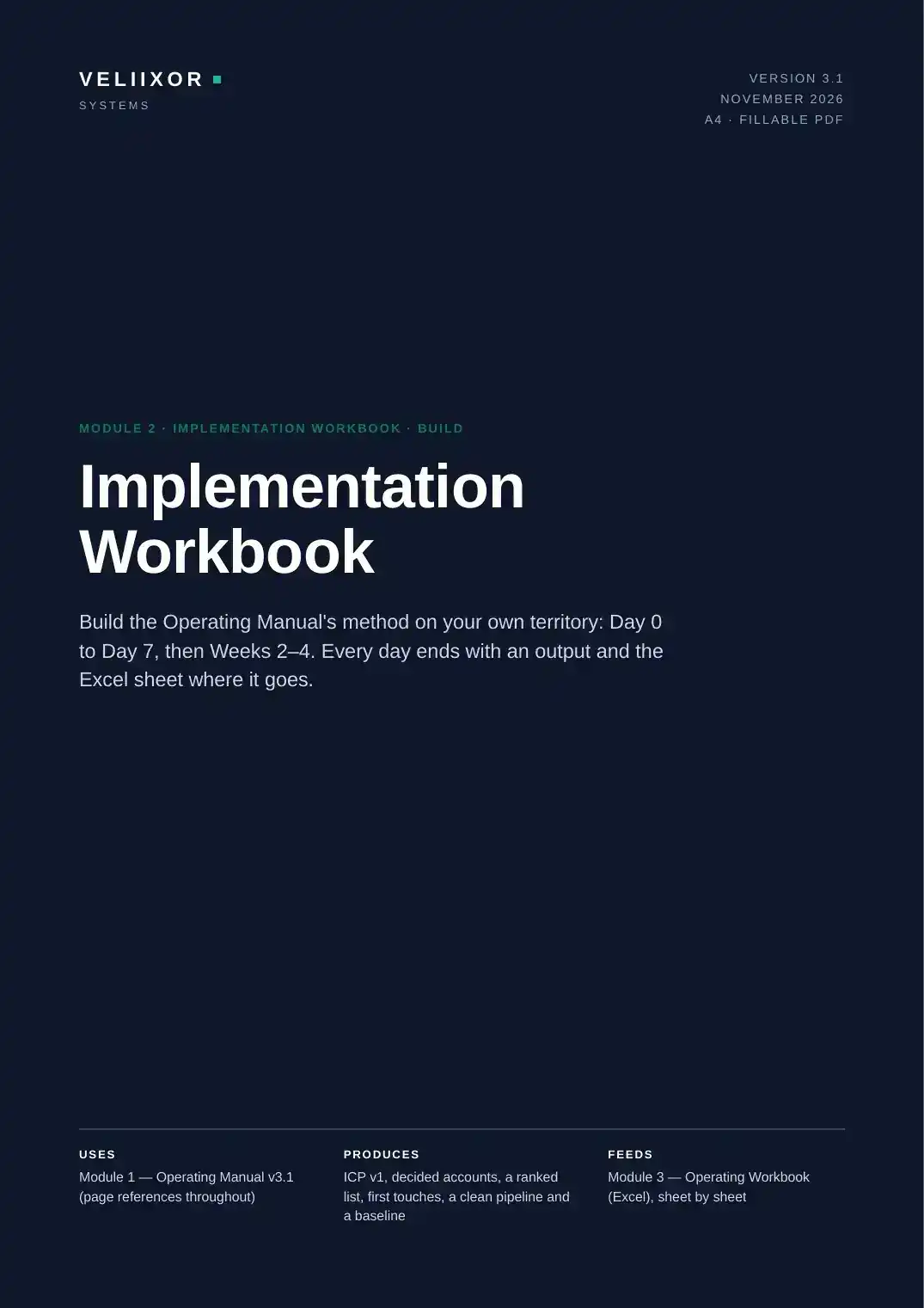
DetailsBuild the method on your own territory, one day at a time, with an output at the end of every day.
Fillable PDF · A4 · 32 pages
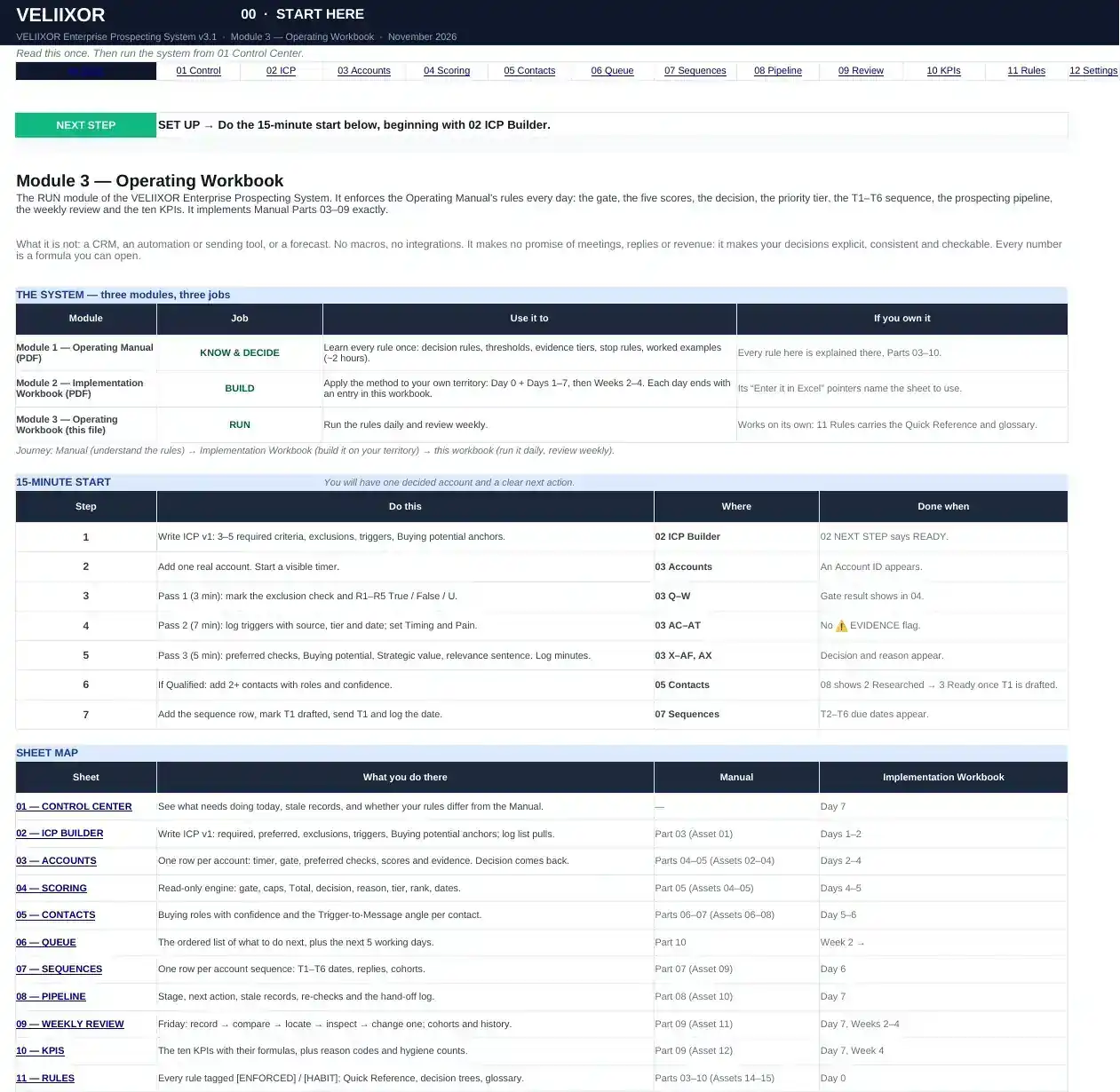
DetailsThe rules, enforced every day: gate, scores, decision, tier, T1–T6 dates, pipeline and ten KPIs.
Excel .xlsx · 13 sheets · no macros
DetailsOne rule set
The Implementation Workbook has no scoring model of its own. The Operating Workbook implements the Manual’s Parts 03–09 exactly — and if someone changes a threshold in 12 Settings, it shows a CUSTOM RULES banner and counts the settings that differ.
Pricing
Modules 1 + 2 + 3
$129USD · one-time
$38 less than buying the three modules separately ($167).
Module 1 · PDF
$59USD · one-time
Module 2 · Fillable PDF
$39USD · one-time
Module 3 · Excel
$69USD · one-time
Prices in USD. Sales tax or VAT is calculated at checkout by Lemon Squeezy, the merchant of record. Instant digital download. Single-user licence · Refund Policy · Delivery
Three modules, one rule set, a clear next action on every account.
Preview build
This button opens the secure Lemon Squeezy checkout once the store is live. Nothing has been charged and no order exists.